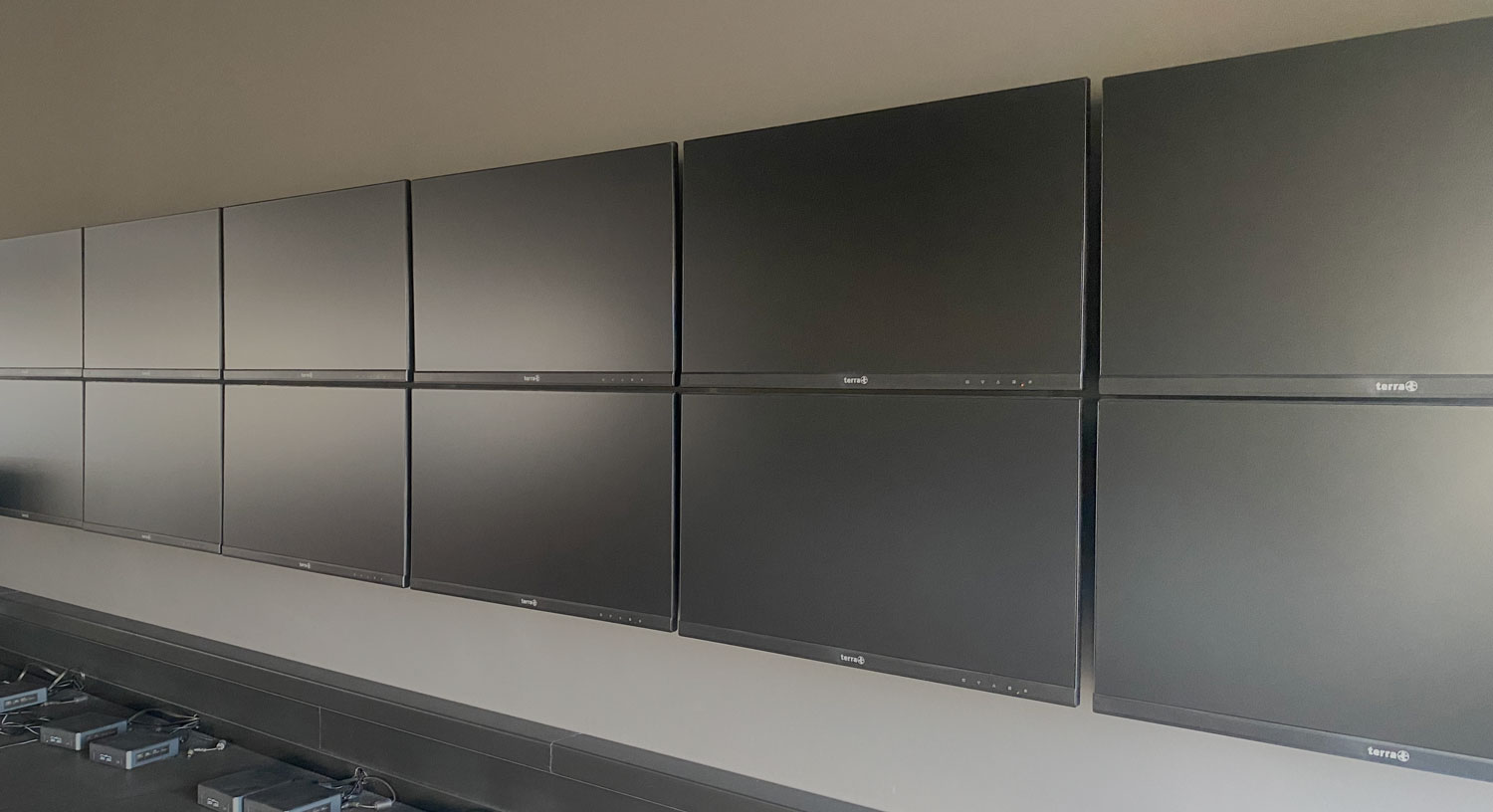
Your screens.
Centrally managed. Easily scalable.
Managed Screen Control is a digital signage platform for managing screens – from individual displays to company-wide networks.
Cleverly designed
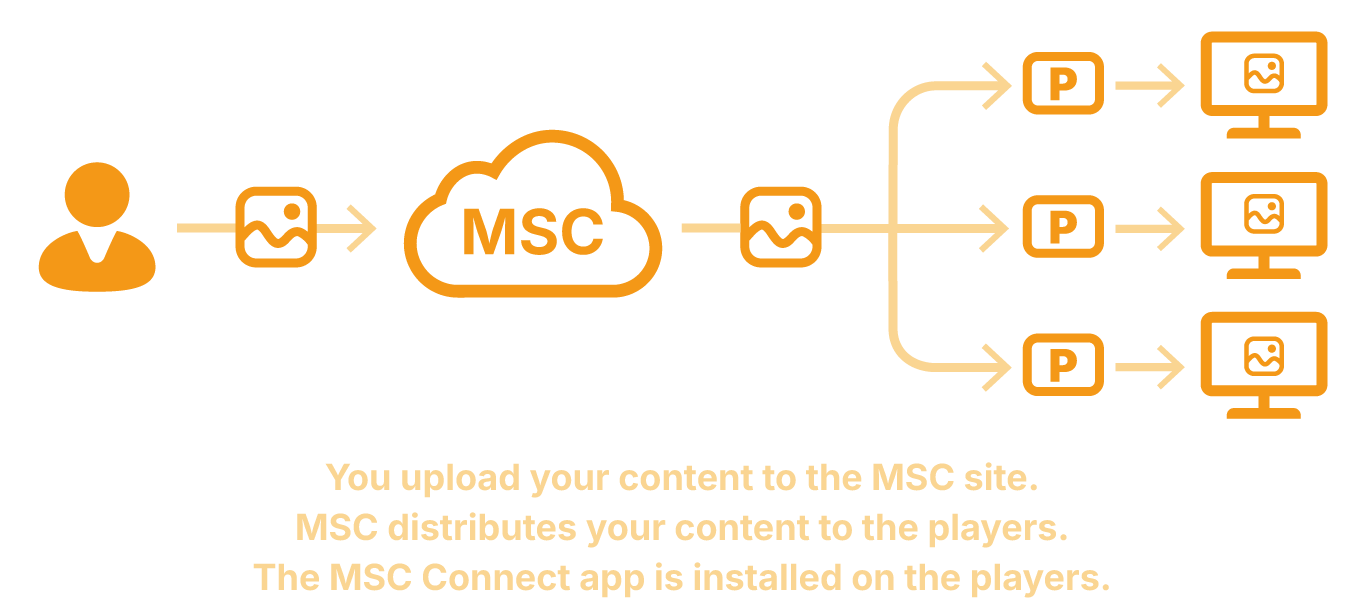
MSCv3 is a system that allows you to centrally manage content and display it on one or more players.
This saves time, reduces manual effort, and makes it possible to make changes at any time, even if the players are located in different places.
Using groups, you can organize any players and assign campaigns specifically to a group.
Detailed explanationInstall the MSC Connect app on your player and pair the device with your MSC account.


Functions for every expansion stage
Managed Screen Control provides functions that are geared toward actual use—from simple startup to the operation of complex screen networks.
1. Start & Display
Display content reliably and quickly on screens – without complex configuration.
Managed Screen Control makes it easy to get started with digital signage. Screens can be quickly connected and content can be reliably displayed on screens – regardless of the hardware or platform used: if your device can install apps, you can probably use MSC (Windows, Linux, Android).


You can manage MSC using any browser. The MSC Connect app for your players is available for Windows, Linux, Android, and Android TV. You can also open MSC-Connect directly in a browser at connect.mscv3.com.
2. Planning & Structuring
More content, more screens – without losing track of things.
With an increasing amount of content and screens, MSC supports structured planning. Content can be grouped, reused, and controlled in a targeted manner.

Allows players to be grouped into groups. A campaign can then be assigned to one or more specific groups.


3. Operate & Control
Distribute responsibility and secure operations.
For productive use in organizations, MSC offers functions for the clear separation of responsibilities and for individual adaptation to existing structures.

Specify which users within a company are allowed to view and edit which menus and functions.

Create playlists that you can use as often as you like in screen schedules. Any changes made to the playlist are automatically updated in all screen schedules.

Operate all MSC devices locally on your network. Only the master server requires an Internet connection to the license server.
4. Expand & Integrate
Maintain an overview, automate, connect.
For large and distributed screen networks, MSC offers advanced monitoring, integration, and automation features.


Combine any number of screens into predefined configurations. This allows you to easily map out any location and clearly distribute content for it.


An editor for designing your own images and content, as well as for placing widgets such as a clock.

Versions
Managed Screen Control is being expanded step by step. Each expansion stage is geared toward a specific level of maturity in use – from simple entry-level to professional operation of large networks.
Standard
For structured planning, multiple screens, and changing content.
Premium
For organizations with clear responsibilities, roles, and extended operational requirements.
Enterprise
For large networks requiring monitoring, integration, and a centralized overview.
The following overview shows the technical details and functional differences of the individual expansion stages in detail.
| Function | Basic | Standard | Premium | Enterprise |
|---|---|---|---|---|
| Planned release | July 2026 | October 2026 | 2nd quarter 2027 | 3rd quarter of 2027 |
| Number of players | up to 20 | up to 50 | up to 100 | Unlimited |
| Subscription price per player per month, excluding VAT | 2 free, additional ones CHF 5.00 | CHF 7.00 | CHF 9.00 | CHF 11.00 |
| Basic functionality Register screens, assign content. | ✓ | ✓ | ✓ | ✓ |
| Cross-platform operation You can manage MSC using any browser. The MSC Connect app for your players is available for Windows, Linux, Android, and Android TV. You can also open MSC-Connect directly in a browser at connect.mscv3.com. | ✓ | ✓ | ✓ | ✓ |
| Set date and time of day for media plans Specify exactly on which days of the week and at what times a media item should be displayed. | — | ✓ | ✓ | ✓ |
| Basic tagging system for grouping Allows screens and locations to be grouped together. Content can then be distributed to entire groups. | — | ✓ | ✓ | ✓ |
| Content/media management | — | ✓ | ✓ | ✓ |
| Multiple users per company | — | ✓ | ✓ | ✓ |
| Enhanced tagging system for grouping Campaigns and players can belong to multiple groups. This makes it possible to model even complex scenarios. | — | — | ✓ | ✓ |
| User roles & permissions Specify which users within a company are allowed to view and edit which menus and functions. | — | — | ✓ | ✓ |
| Predefined Playlists Create playlists that you can use as often as you like in screen schedules. Any changes made to the playlist are automatically updated in all screen schedules. | — | — | ✓ | ✓ |
| On-premise installation Operate all MSC devices locally on your network. Only the master server requires an Internet connection to the license server. | — | — | ✓ | ✓ |
| Custom branding (logo, color scheme) | — | — | — | ✓ |
| Multi-monitor configurations Combine any number of screens into predefined configurations. This allows you to easily map out any location and clearly distribute content for it. | — | — | — | ✓ |
| Displaying Websites and Web Apps | — | — | — | ✓ |
| Content editor An editor for designing your own images and content, as well as for placing widgets such as a clock. | — | — | — | ✓ |
| Monitoring and status board | — | — | — | ✓ |
| Cloud storage | 1 GB, 8 GB for 3 or more players | 16 GB | 64 GB | Unlimited * |
| Additional 16 GB of cloud storage per month, excluding VAT | CHF 3.00 | CHF 3.00 | CHF 3.00 | CHF 3.00 |
| Support | Online documentation | Prioritized email | Phone & prioritized email |
Already in use
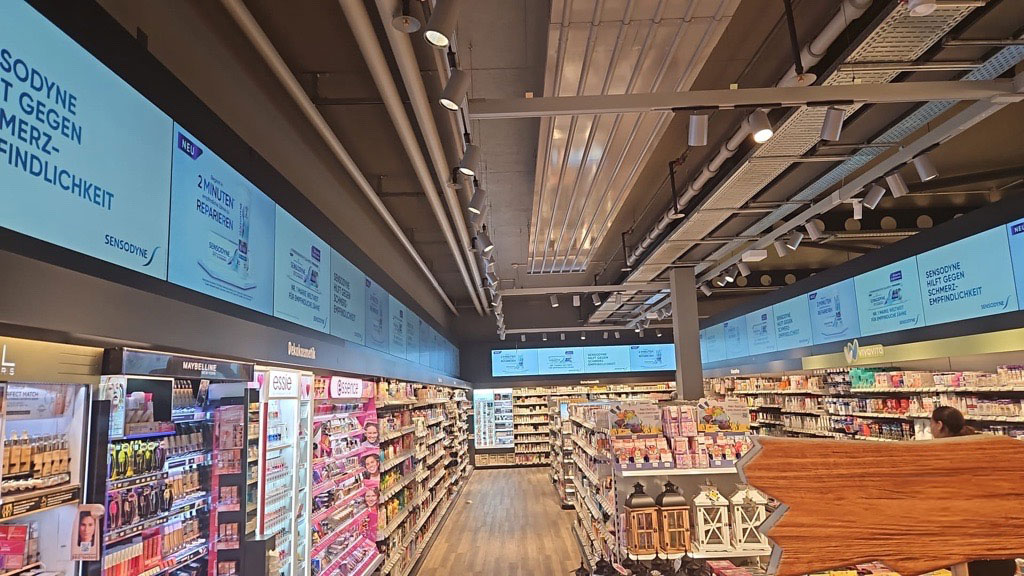
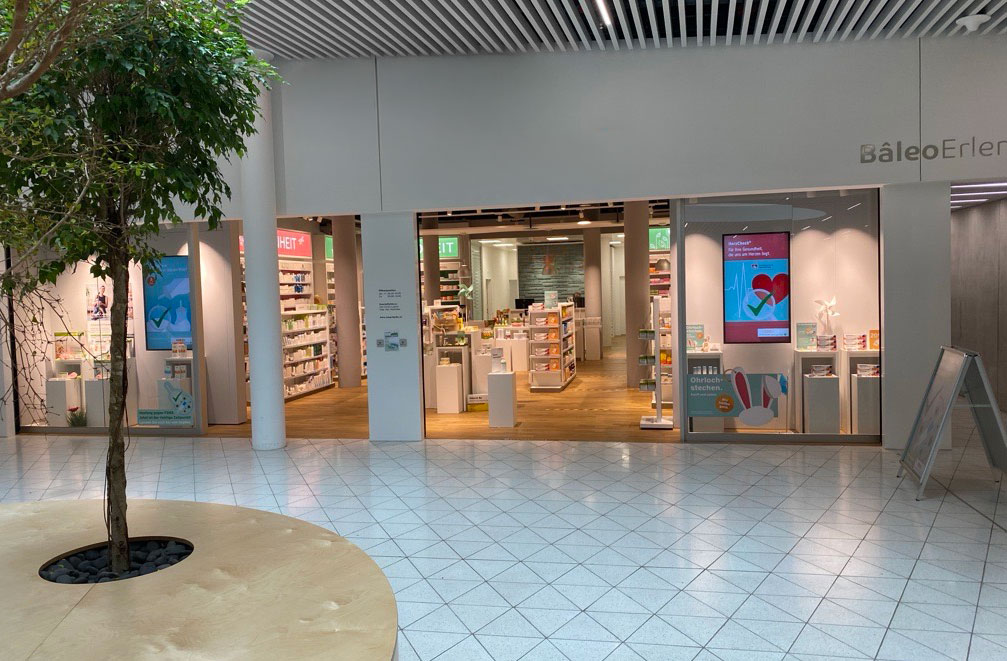
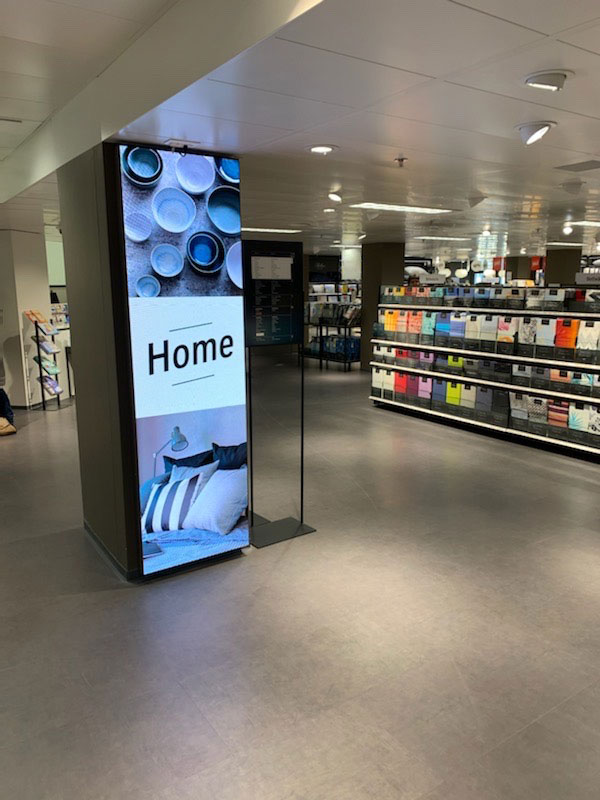
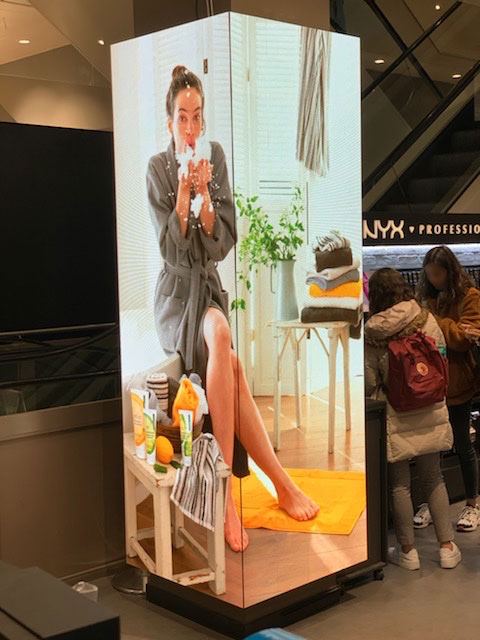
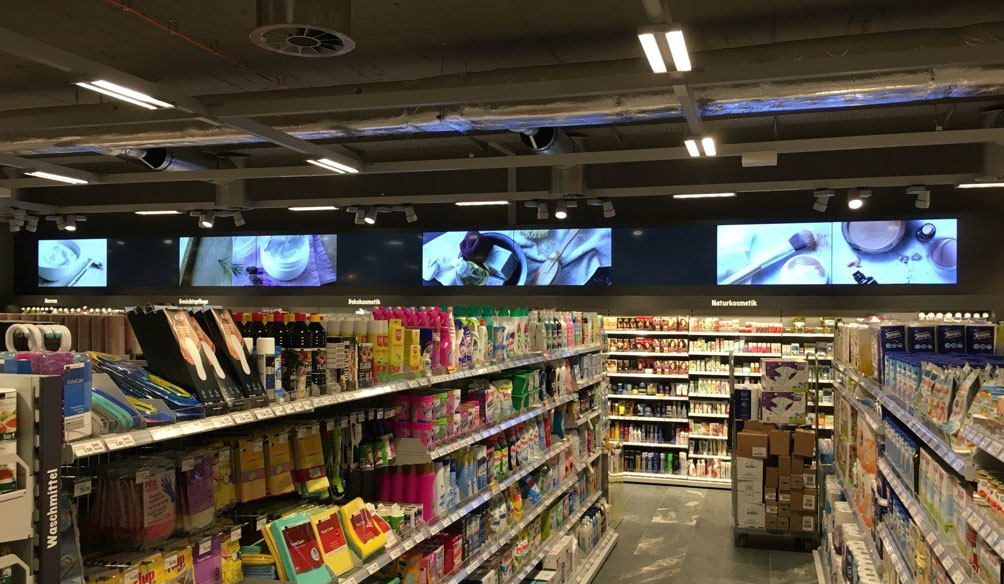
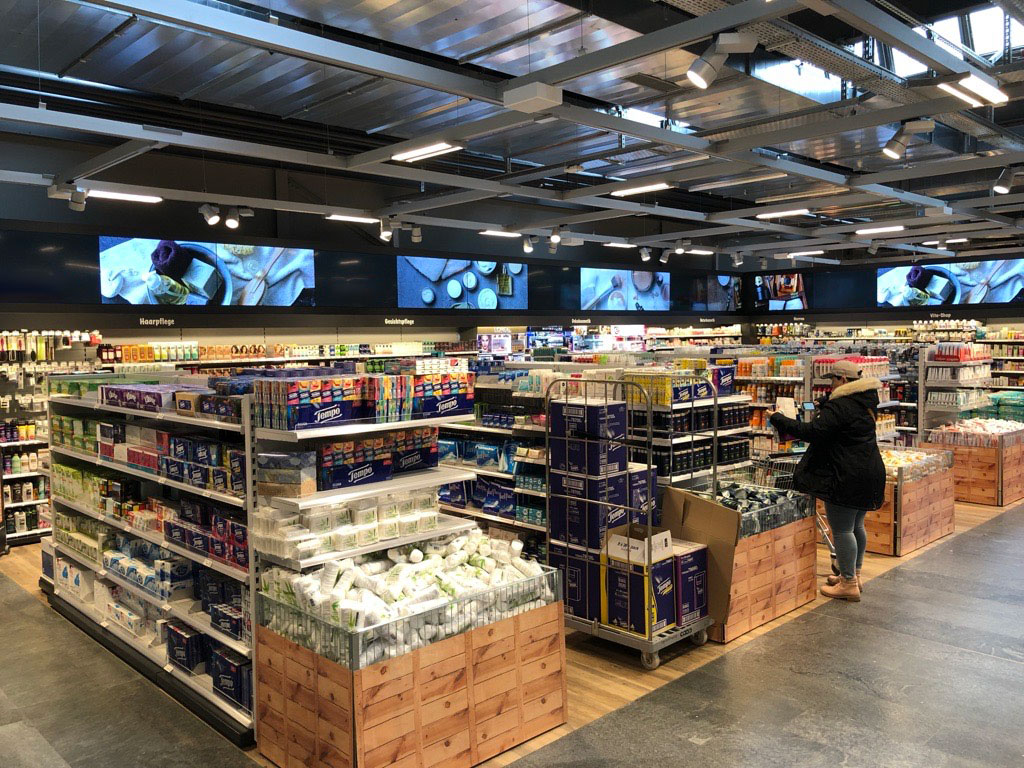
Earlier versions of Managed Screen Control are already being used in a variety of environments, from individual shop windows to large retail installations.

Get in touch
Do you have questions about Managed Screen Control or are you interested in early access to version 3? Contact us—we will get back to you personally.
Become an MSC reseller